How to Collect Documents from Clients (Without the Chase)
2026-09-30
Collecting documents from clients is the least billable, most time-consuming part of running an accounting or bookkeeping practice. You send the request, wait, follow up, wait some more, and eventually receive half of what you asked for — buried in an email thread, three weeks late, with the wrong year's bank statement attached.
This guide breaks down a simple, repeatable system for collecting client documents that actually works: what to ask for, how to ask, and how to follow up without spending your evenings writing "just bumping this" emails.
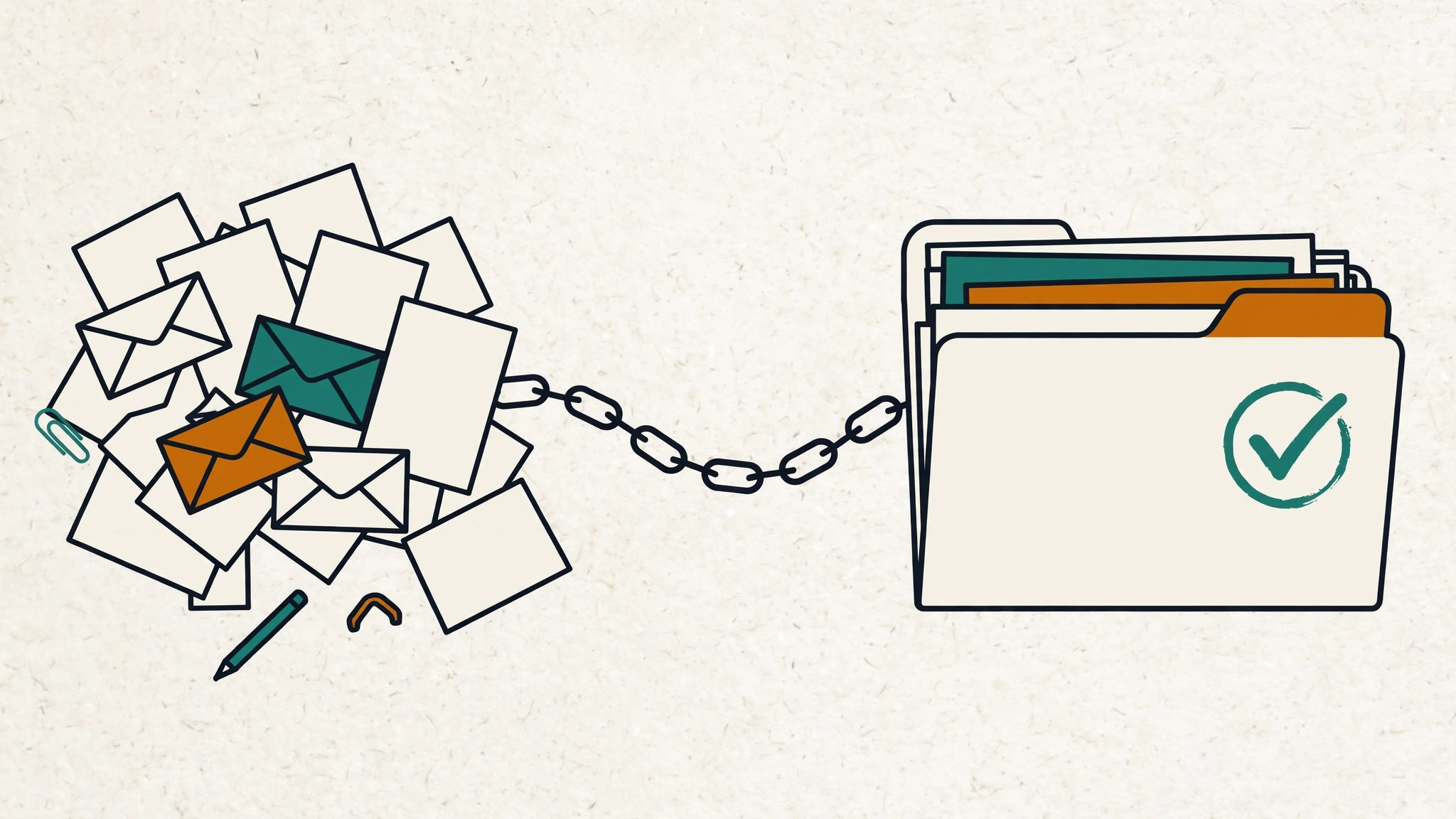
Why collecting documents from clients is so hard
Before fixing the process, it helps to name what's actually going wrong. In most firms, the pain comes from the same handful of causes:
- Vague requests. "Please send your financial documents" is not a task anyone can complete. The client doesn't know which documents, for which period, or in what format — so they do nothing.
- Email as a filing system. Attachments arrive across dozens of threads, get renamed by email clients, and there's no shared view of what's still missing. You spend as much time finding documents as reviewing them.
- No deadlines. Without a date attached, your request sits at the bottom of the client's to-do list indefinitely. "Whenever you get a chance" means never.
- Friction for the client. Every extra step — creating an account, downloading an app, figuring out a portal — cuts your response rate. Clients will happily upload a photo of a receipt; they won't happily learn new software to do it.
- Manual follow-up. When tracking lives in your head or a spreadsheet, reminders happen late, inconsistently, or not at all.
Notice that none of these are client problems. They're process problems. And process problems have process solutions.
A 5-step system for collecting client documents
Here's the system. It works whether you have five clients or five hundred, and you can adopt it with tools you already have — though a dedicated collection tool makes steps 3 through 5 nearly automatic.
Step 1: Ask for everything at once — by name
Send one request containing every document you need, each listed as its own item in plain language the client will recognize. Not "Q1 financials" — instead: "January–March bank statements for your business checking account (PDF)".
Three rules for each item:
- Name it like the client would. "Tax ID form (W-9)" beats "Form W-9" for a client who runs a bakery.
- Specify the format. "PDF or Excel, under 25 MB" prevents blurry phone photos of paper statements.
- Say which period it covers. Most wrong-document uploads happen because the client guessed the wrong year or quarter.
One request, all items, each item specific. This alone eliminates the majority of back-and-forth.
Step 2: Give every item a deadline
A request without a deadline is a wish. Tie each deadline to when you actually need the document for your work — "needed by April 1 so we can file on time" motivates far better than "ASAP".
For recurring clients, set the rhythm once: monthly statements due by the 10th, quarterly packages due two weeks after quarter-end. Predictability trains clients faster than reminders do.
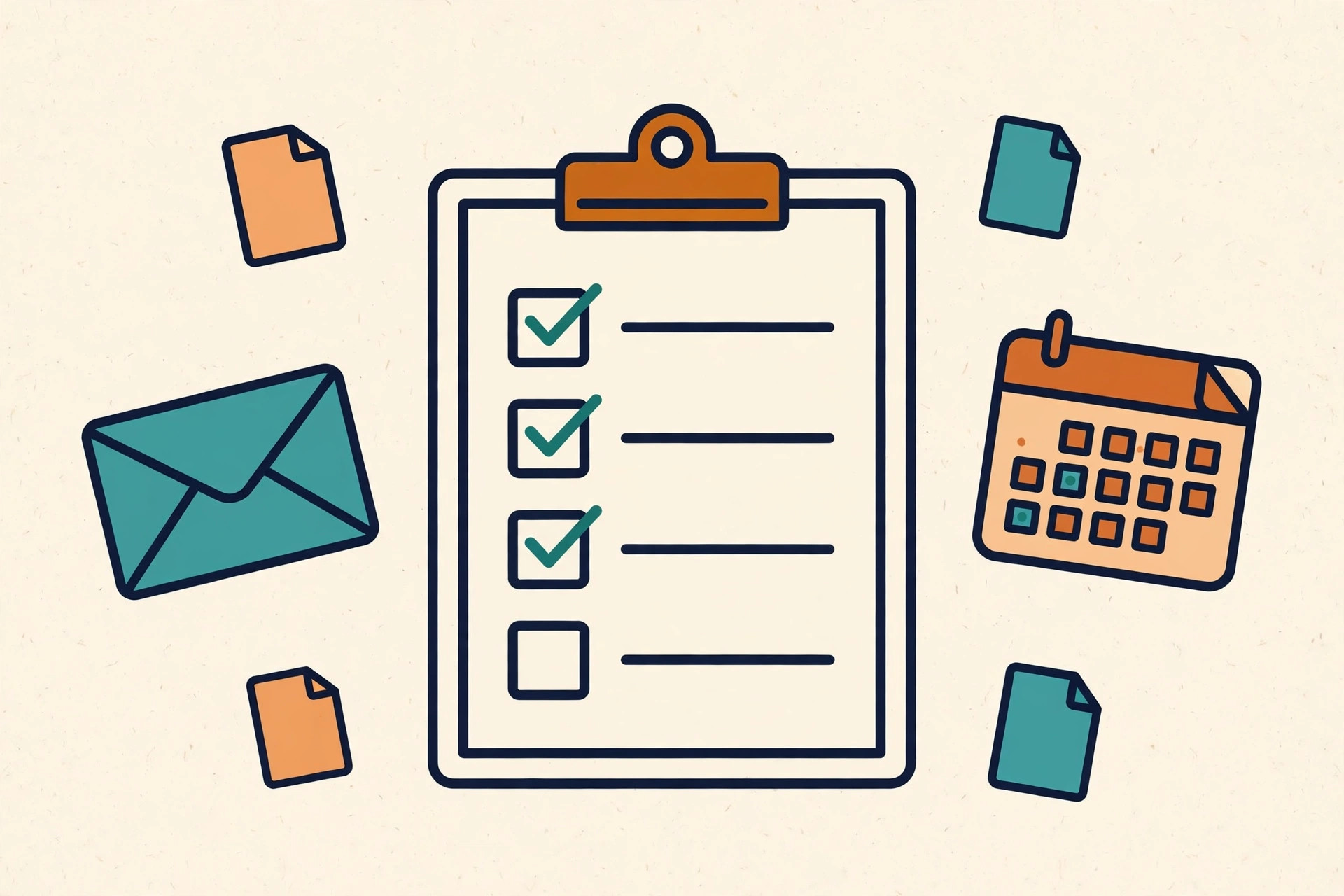
Step 3: Make uploading effortless
This is where most firms lose half their response rate. The ideal upload experience for a client is: open a link, see the list, attach files, done. No account creation, no password to remember, no app to install.
If your current process asks clients to sign up for anything before they can send you a document, that's the first thing to fix. Every barrier between the client and the upload button costs you days.
Step 4: Follow up automatically, not manually
Decide your reminder schedule once — for example, a nudge three days after the request, another at seven days, and a final notice before the deadline — and let the system send them. Two principles:
- Remind only about what's missing. Nothing annoys a client more than a reminder for documents they already sent. Reminders should reference the specific outstanding items.
- Keep the tone helpful, not scolding. "Here's what's still needed for your file" works; "You still haven't sent…" doesn't.
If you're doing this manually, put the reminder dates in your calendar when you send the request. If your tool sends them for you, verify once that they're actually going out.
Step 5: Keep everything organized by client
As documents arrive, they should land in a per-client home — sorted by year or engagement — not in your inbox. When it's time to work, you open the client's folder and everything is there: what's received, what's missing, and what's overdue.
This also protects you at tax time. When a client insists they "already sent it," you can check in seconds instead of searching three months of email.
What about the "difficult" clients?
Every firm has a few. Some practical approaches that work better than frustration:
- The procrastinator: shorter deadlines and more frequent nudges. A deadline two weeks out gets ignored; one three days out gets action.
- The "I sent it already" client: a shared checklist ends this argument permanently — both sides see the same status.
- The technophobe: reduce the process to a single link they can open on their phone. If they can tap a photo, they can upload a document.
- The over-sender: specific item names ("January statement, business checking only") beat "send your bank statements," which invites twelve PDFs you didn't ask for.
Common mistakes to avoid
- Collecting via email attachments. Beyond the security concerns, email gives you zero tracking. If you're still doing this, our guide on why email is risky for tax documents covers the full picture.
- One big vague request. "Send everything for the year" guarantees a mess. Itemize.
- Starting collection too late. Send the request the moment the engagement starts, not two weeks before the deadline.
- No confirmation to the client. When a client uploads something, confirm receipt. Silence makes them upload it again "just in case."
Frequently Asked Questions
How do I get clients to send documents on time?
Combine three things: specific itemized requests, real deadlines tied to your workflow, and automatic reminders for outstanding items only. Vague requests with no deadline and manual follow-up is the combination that produces late documents.
What's the best way to collect documents from multiple clients at once?
Use the same checklist template for every client, customized per engagement, and track everything in one dashboard where you can see at a glance who still owes what. The template keeps requests consistent; the dashboard keeps follow-up targeted.
Should clients need an account to upload documents?
Ideally, no. Requiring an account adds friction exactly where you want the least of it. A secure, single-use link per client gives you control without making the client jump through hoops.
How often should I remind clients about missing documents?
A common cadence is 3 days after the initial request, again at 7 days, and a final reminder a few days before the deadline. Only remind about items still outstanding, and keep each reminder specific about what's missing.
Final Thoughts
Collecting documents from clients will never be anyone's favorite task. But it doesn't have to be the bottleneck of your practice either.
The firms that spend the least time chasing are rarely the ones with the most cooperative clients — they're the ones with the clearest process: specific requests, real deadlines, effortless uploading, automatic follow-up, and everything organized by client.
Start with the checklist. Your future self, staring down a filing deadline, will thank you.
K Written by the Kredofy team — we build simple document collection tools for accountants and tax professionals who want to spend less time chasing missing files and more time doing the work that matters.
Tired of chasing clients for documents? Kredofy lets you send one secure link per client — no client login needed — and shows you exactly what's still missing. Start free, no credit card required →